


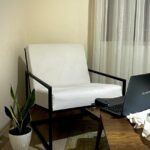




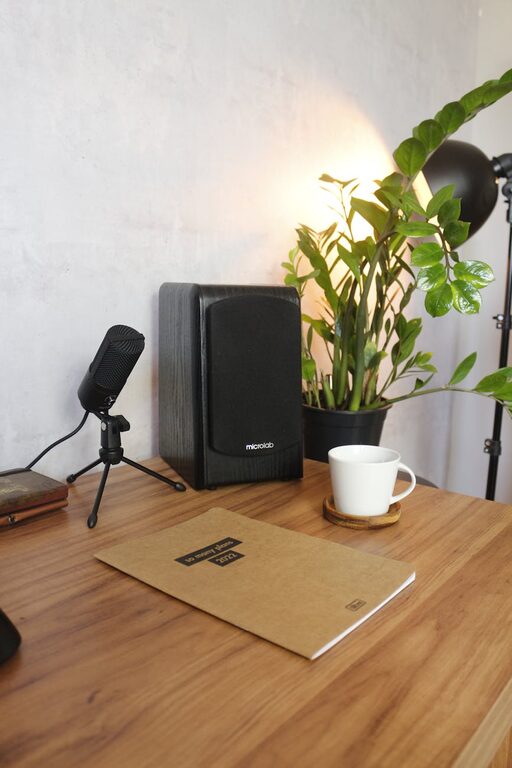
Creating a cozy and functional home workspace is essential for anyone working remotely or managing tasks at home. A well-designed workspace improves focus, reduces stress, and makes working from home more enjoyable. Whether you have a dedicated room or just a corner in your living room, these tips will help you transform your space into a comfortable and productive area.
Choose the Right Location
Consider Natural Light
Position your workspace near a window if possible. Natural light helps reduce eye strain and boosts mood, making it easier to stay alert and motivated throughout the day.
Find a Quiet Spot
Try to pick a place with minimal distractions and noise. If quiet areas are limited, consider noise-canceling headphones or soft background music to improve concentration.
Invest in Comfortable Furniture
Ergonomic Chair
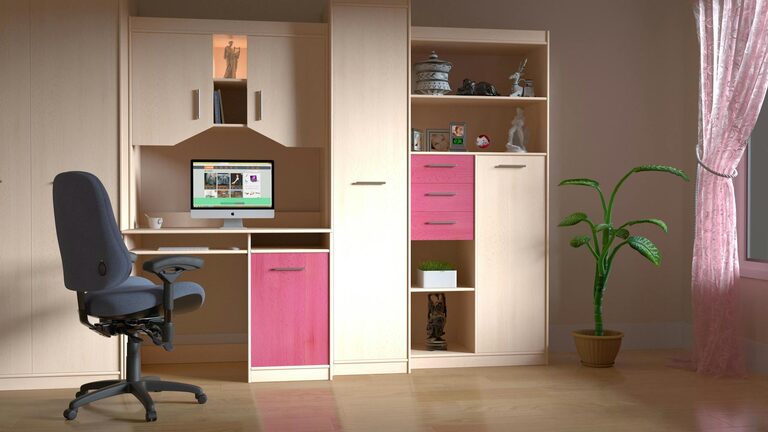
A supportive chair with adjustable height and lumbar support is crucial. Sitting comfortably helps prevent back and neck pain during long hours of work.
Functional Desk
Choose a desk that fits your space and workflow. It should be large enough to hold your computer and essential supplies but not so big that it feels cluttered.
Organize Your Workspace Efficiently
Declutter Regularly
Keep only necessary items on your desk to maintain a clean and inviting area. Use drawers, baskets, or shelves to store supplies out of sight.
Use Storage Solutions
Invest in organizers like file holders, cable management clips, and drawer dividers. Organized storage saves time and reduces frustration when searching for items.
Personalize Your Space
Add Plants
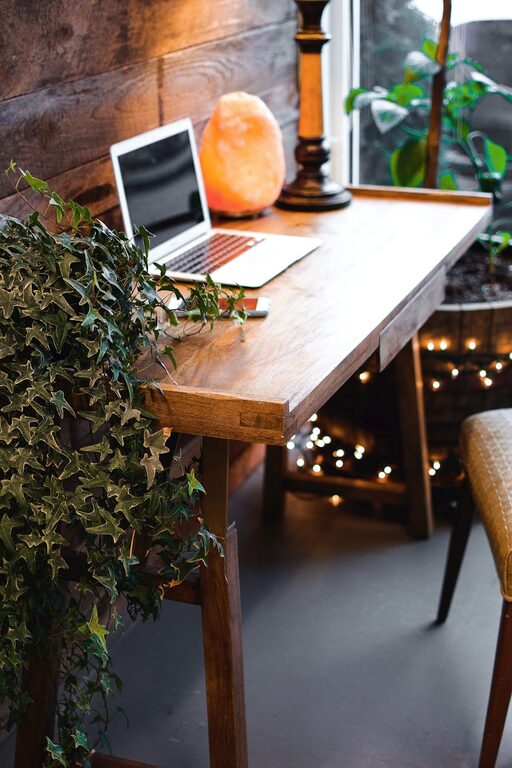
Indoor plants improve air quality and create a calm atmosphere. Even small succulents or potted herbs can brighten your desk area.
Display Inspiring Items
Personal touches like photos, artwork, or motivational quotes can make your space feel more welcoming and encouraging.
Optimize Lighting
Use Task Lighting
In addition to natural light, have a good desk lamp with adjustable brightness to reduce eye strain during evening hours or cloudy days.
Avoid Glare
Position your computer screen to avoid reflections from windows or overhead lights to keep your eyes comfortable.
Incorporate Functional Technology
Invest in Quality Equipment
A reliable laptop or desktop, a comfortable keyboard, and a responsive mouse improve your work efficiency.
Consider Cable Management
Keep cables neat with clips or sleeves to prevent tangling and create a tidy appearance.
Create Boundaries Between Work and Personal Life
Separate Your Workspace
If possible, use a room divider or a corner that is distinct from your relaxation areas to signal a work zone.
Establish a Routine
Set work hours and take breaks to maintain balance and prevent burnout.
Enhance Comfort with Temperature and Air Quality
Maintain a Comfortable Temperature
Use fans, heaters, or air purifiers as needed to keep the environment pleasant and conducive to focus.
Fresh Air
Open windows periodically or use an air purifier to circulate fresh air and improve concentration.
Use Color and Decor Thoughtfully
Choose Calming Colors
Soft shades like blues, greens, or neutral tones create a soothing environment.
Keep Decor Simple
Avoid excessive decorations that may distract you, focusing instead on a few meaningful items.
Final Thoughts
Designing a cozy and functional home workspace doesn’t have to be complicated. By focusing on comfort, organization, lighting, and personal touches, you can create a space that not only supports your productivity but also makes working from home a positive experience. Start small, make gradual improvements, and adjust your space as your needs change.
With these tips, your home workspace will be a place where you can work efficiently, stay inspired, and feel good throughout your day.